Part I: Computer Fundamentals & OS
- Introduction to Computers: Input, Output, and Processing devices
- Understanding Primary Memory (RAM/ROM) vs Secondary Storage
- Peripheral setup: Printers, Scanners, and USB drives
- Navigating the Windows GUI: Desktop, Taskbar, and Settings
- File & Folder Management: Creating, copying, moving, and securing files
- Control Panel basics, user accounts, and software installation
- Essential shortcuts for faster navigation
Part II: Office Automation (MS Office)
- Document creation, formatting text, and paragraph alignment
- Inserting tables, images, headers, and footers
- Page layout setup and printing documents professionally
- Mastering the Mail Merge feature for bulk letters
- Excel: Data entry, cell formatting, and basic formulas (SUM, AVERAGE, COUNT)
- Creating charts and graphs to represent data visually
- PowerPoint: Designing professional slides and presentations
- Adding slide transitions, custom animations, and media
Part III: Internet & Cyber Fluency
- Web Browsers (Chrome, Edge) and effective search engine techniques
- Creating and managing Email accounts (Gmail, Outlook)
- Sending attachments, CC, BCC, and organizing inboxes
- Using Google Workspace (Drive, Docs, Sheets) for cloud storage
- Safe browsing habits and identifying phishing scams
- Antivirus software basics and securing personal data
- English & Hindi typing fundamentals (touch typing practice)
- Final Capstone Assessment & Certificate Generation
About the Mentor

Susheel Singh
Microsoft Certified Specialist
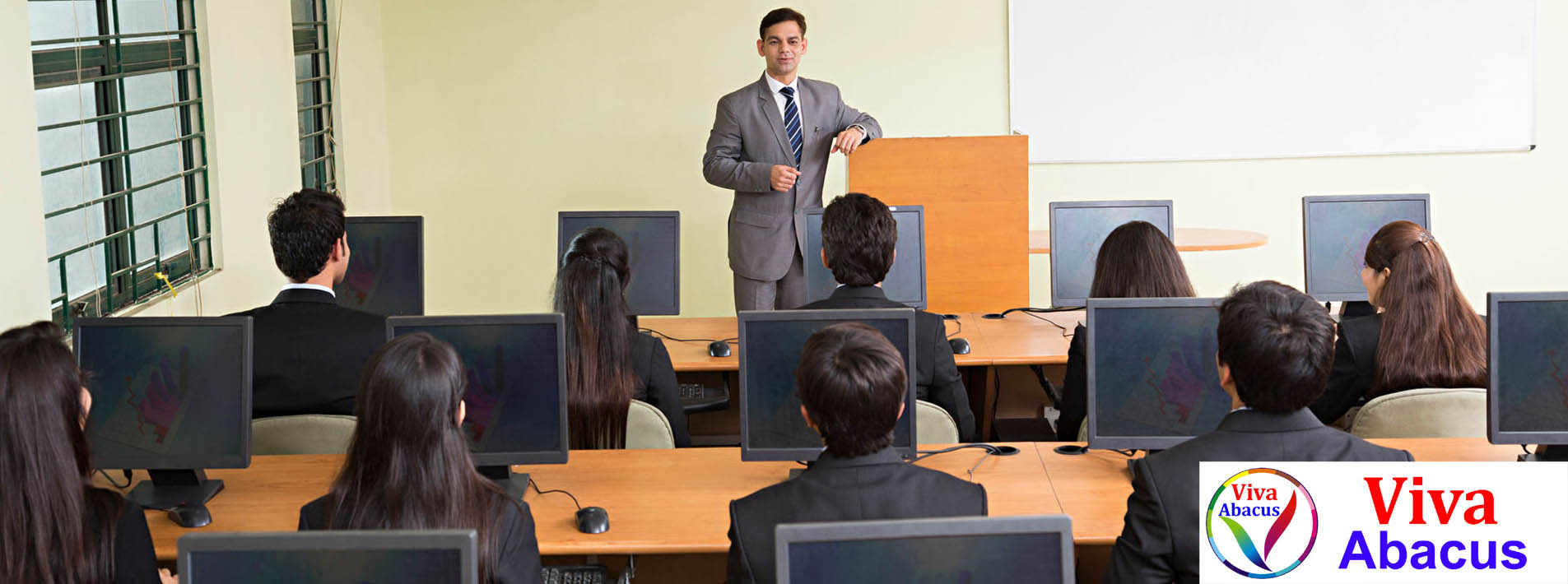
Our lead instructor at Viva Technologies brings years of practical, corporate-level IT experience into the classroom. The teaching approach focuses on 100% hands-on practical labs rather than just reading textbooks. You won't just learn what a software tool does; you'll learn exactly how to use it to complete office tasks efficiently, making you immediately employable for front-desk and data entry roles.
Enrollment Options
CCA
Certificate in Computer Application
₹ 2500
Complete Course.
- Fundamentals & Windows OS
- Basic MS Word & Excel
- Internet & Emailing Basics
- Course Completion Certificate
- Advanced MS Excel & PowerPoint
- English/Hindi Typing Modules
- Cyber Security Awareness
- ISO Certified CCA Certificate
Enroll Now
Frequently Asked Questions
What is the eligibility for the CCA course?
There are no strict educational prerequisites. Anyone who has completed 10th or 12th grade, or even working professionals wanting to upgrade their computer skills, can easily join and understand the curriculum.
Will I get practical lab time?
Yes! This course is 80% practical and 20% theory. Every student gets dedicated time on a computer system to practice MS Office tools, typing, and internet browsing under the guidance of our instructors.
Is the certificate valid for government jobs?
Viva Technologies is an ISO-certified educational institute. The Certificate in Computer Application (CCA) provided upon completion is widely recognized for data entry, clerical, and computer operator roles in various private and government sectors.
Do I need my own laptop to practice?
It is not mandatory. You will have full access to the computer labs at our institute during your batch timings. However, having a PC or laptop at home is beneficial for extra practice.
Kickstart Your Professional Career
Computer literacy is the first step to securing a job in today's digital world.
Reserve Your Seat